01
Accounting & invoicing
E-invoices, entries, and financial reports for a clearer performance view.
Learn more ↗
Turn daily activity into a connected cycle across purchasing, sales, inventory, accounting, employees, customers, and suppliers.
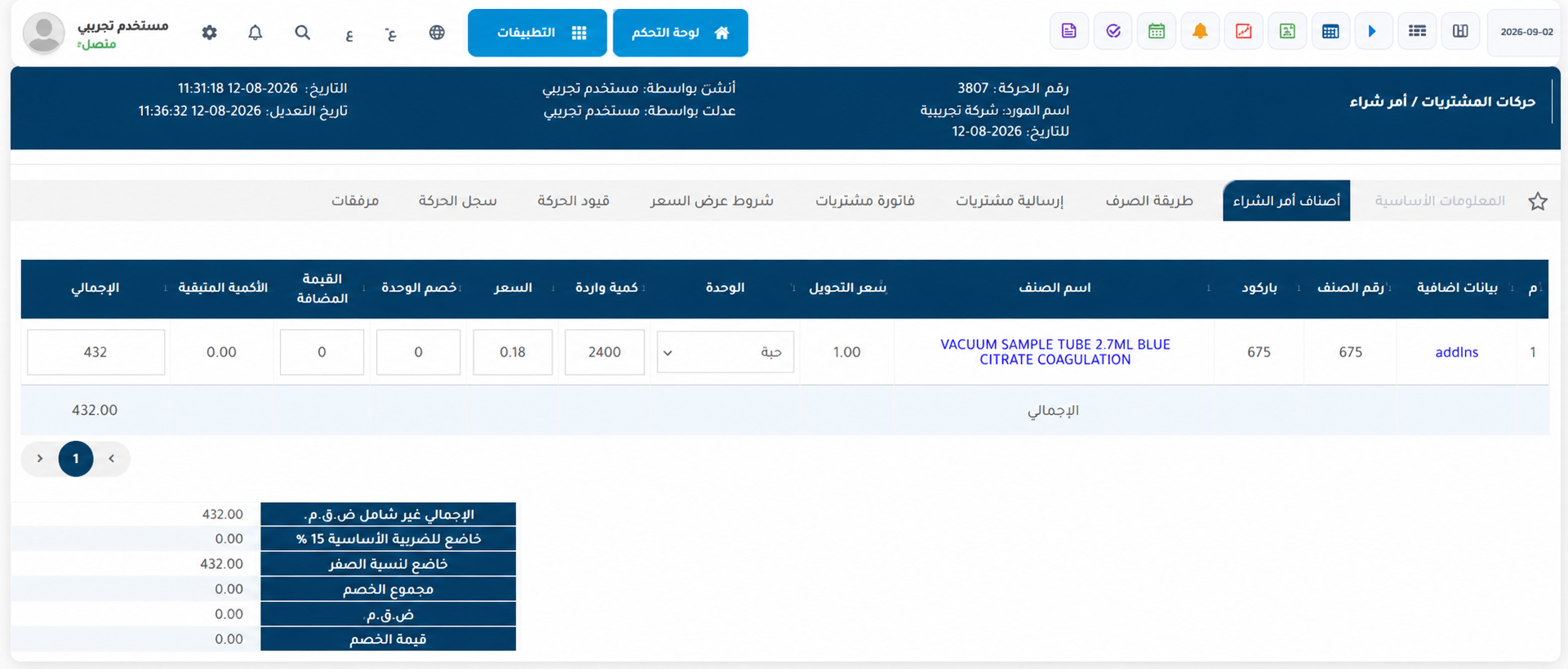
Manage items, quantities, prices, and tax within one connected operational cycle.
Connected modules reduce manual work and give every team the information it needs.
E-invoices, entries, and financial reports for a clearer performance view.
Learn more ↗Balances, movements, stock counts, and transfers across locations.
Learn more ↗Faster checkout, multiple payments, returns, and shift reporting.
Learn more ↗A connected cycle from request and quote to invoice, collection, and delivery.
Learn more ↗Employee records, payroll, and permissions in one workspace.
Learn more ↗Organized records, balances, transactions, and data imports.
Learn more ↗Turn daily activity into a connected cycle across purchasing, sales, inventory, accounting, employees, customers, and suppliers.
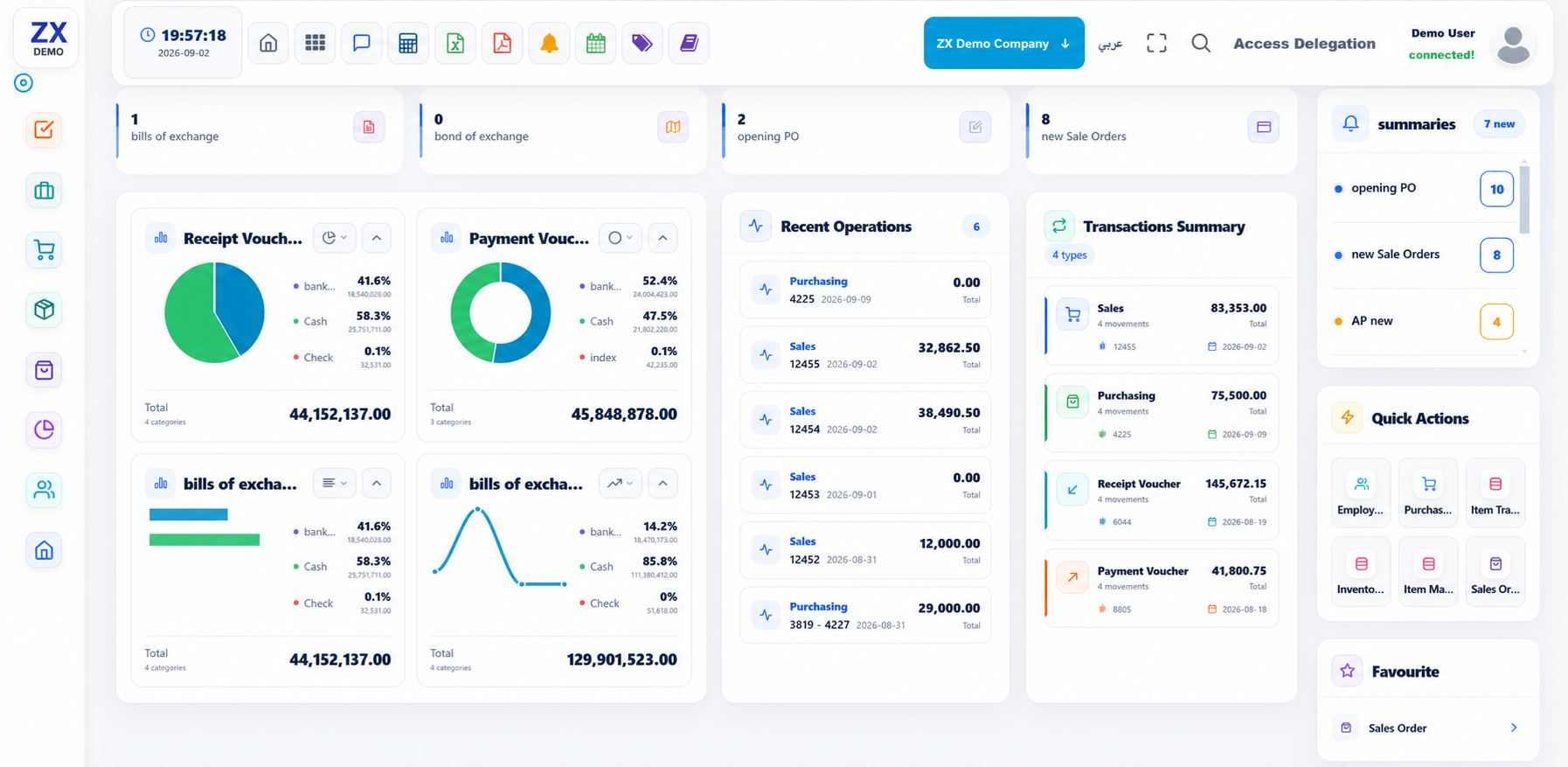
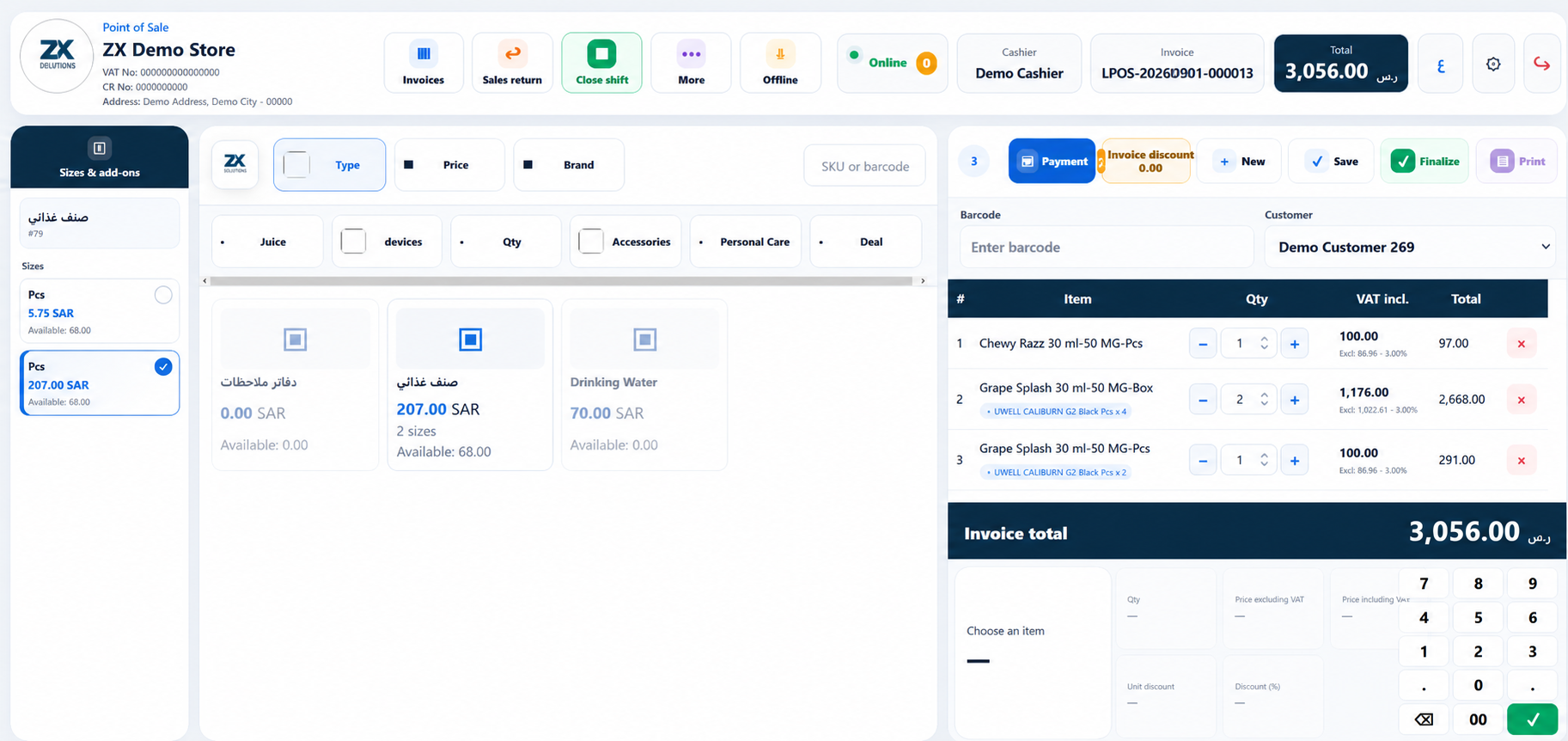
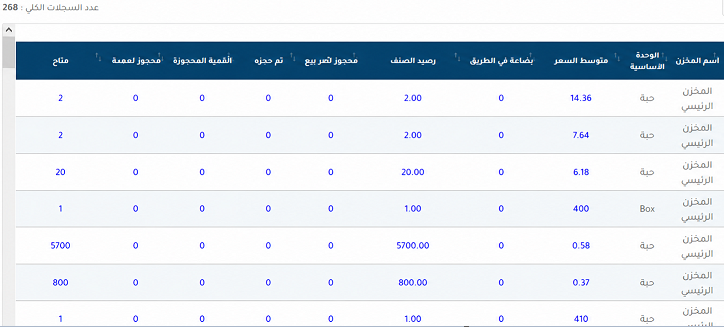
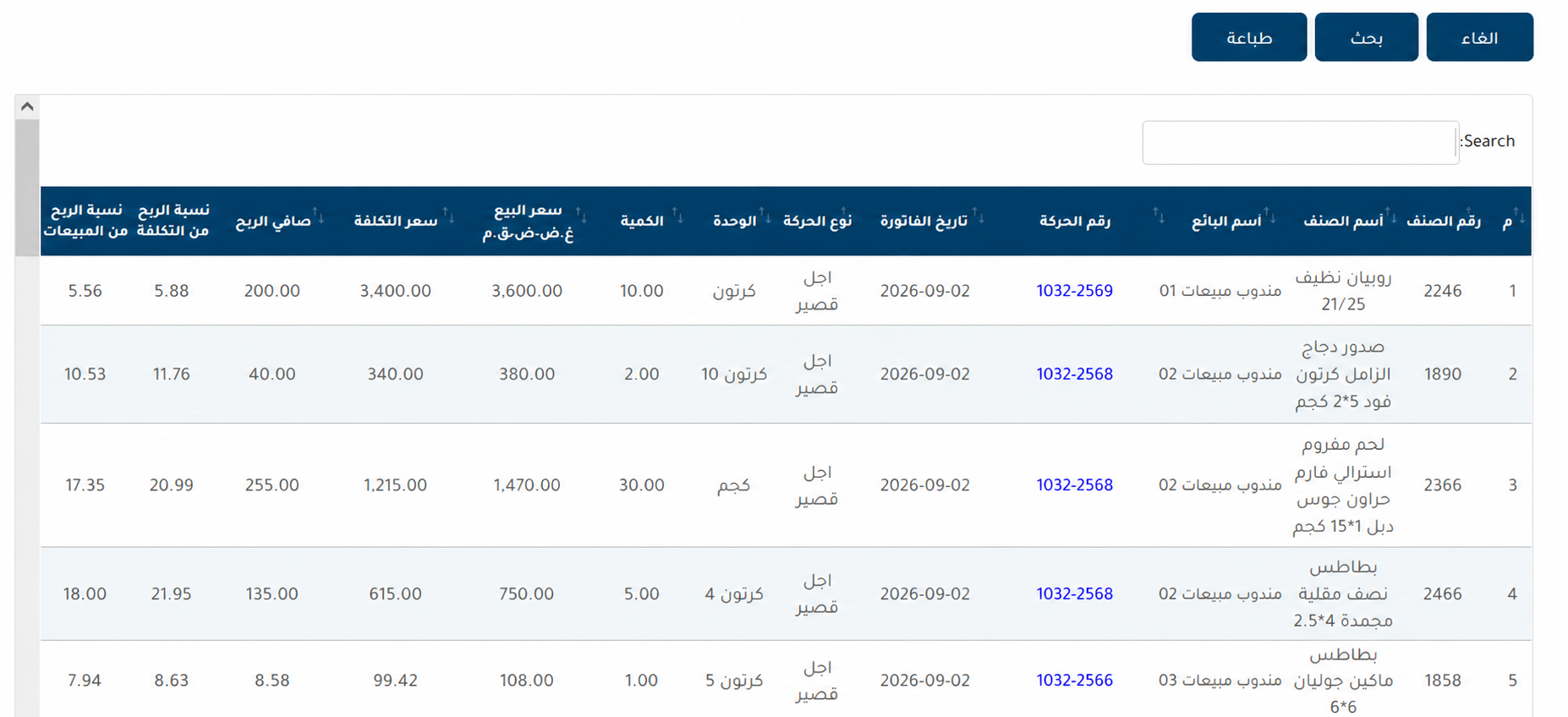
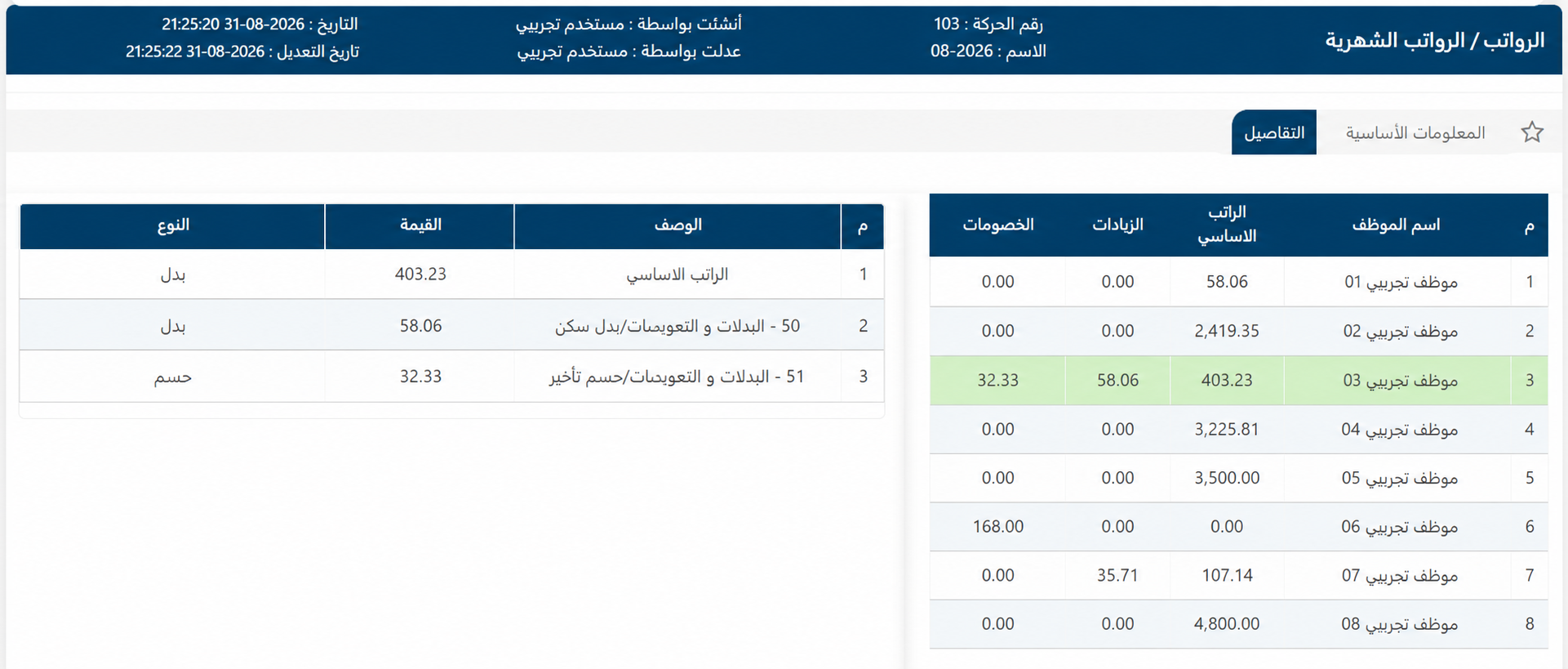
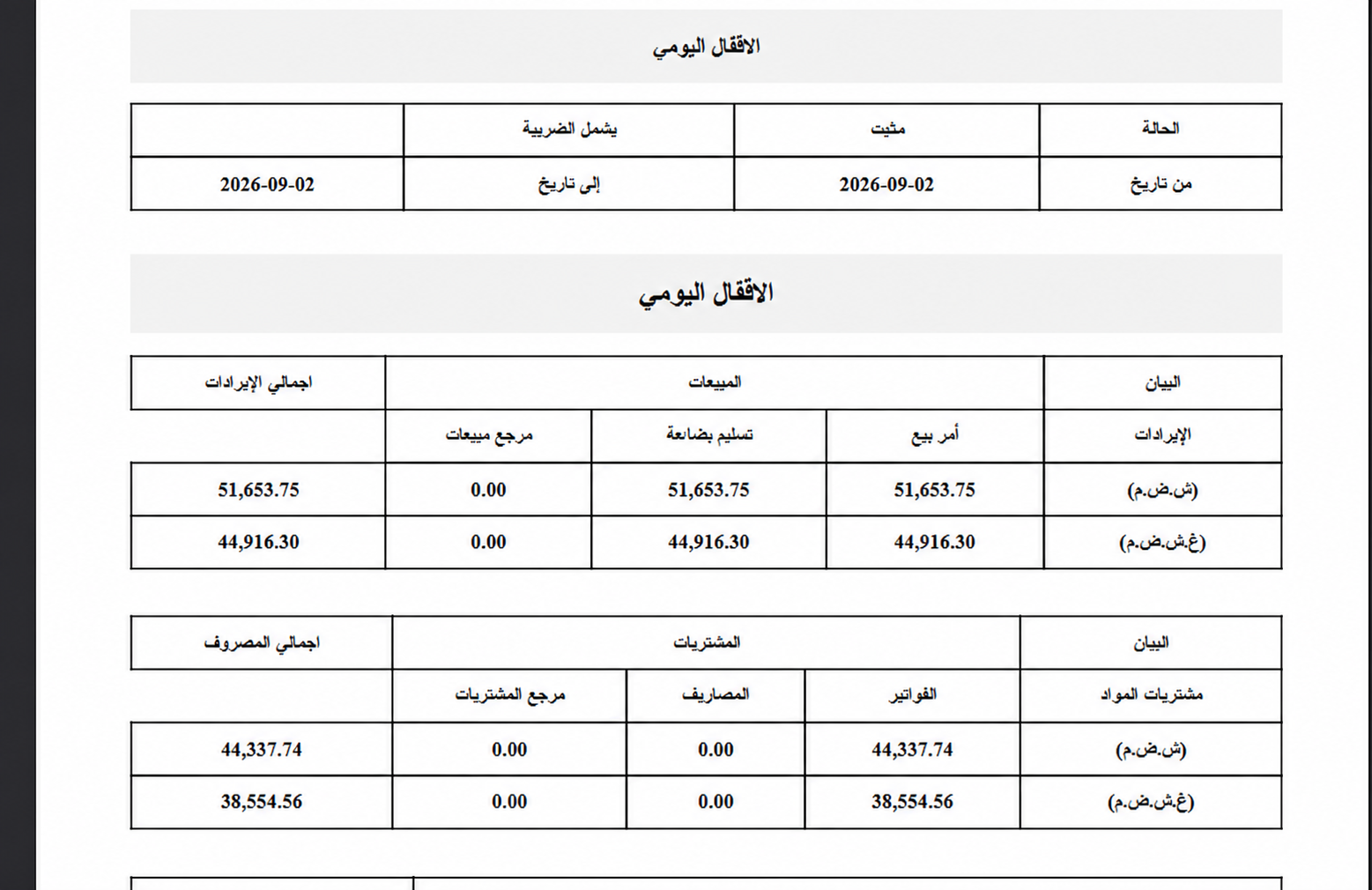
ERP ↗Real module, analytics, and print views with identifying data anonymized.
Direct answers to help you choose the right solution.
ZX supports e-invoicing workflows, including invoice generation, required codes, and integration paths. Phase 2 onboarding scope depends on your organization and its integration requirements.
ZX offers plans for different business sizes, from lightweight invoicing to a complete ERP. Visit Pricing or request a quote based on users, branches, and warehouses.
Yes. You can request a product demo and trial to validate the workflow before selecting a plan.
Yes. ZX supports multiple branches and warehouses with stock movements, balances, permissions, and reporting.
ZX is cloud-based and its responsive interfaces can be accessed from mobile, tablet, and desktop browsers according to user permissions.
Yes. Excel import workflows are available, and the onboarding team will define the templates and fields required for your data.
ZX Lite covers essential workflows for smaller teams, while ZX Express adds broader operational capacity and features. Current limits are listed on the Pricing page.
The Pricing page states whether VAT is included in each offer, and the final amount including any applicable tax is shown before subscription.
Book a practical demo and we will help you choose the right plan and onboarding path.